CDAISP — Certified DevSecOps & AI Security Practitioner
Menu
BootcampCDAISPYour RouteFree starter packStudent loginSecure your seat →

CYBER AGOGE / LIVE DEVSECOPS & AI SECURITY BOOTCAMP

DevSecOps &
AI Security Bootcamp.
Build. Defend. Prove.

Six weeks of live training in code, cloud, pipelines and AI security. Build a portfolio. Take the CDAISP practical exam. Show employers what you can do.

New to tech or already in the industry? There’s a route for you.

Enrolment is open for the 2 November cohort. Enrol through Squarespace. Other payment options and course details →

YOUR COMPANY. YOUR CONTROLS. INTERACTIVE / 3D
A gender-neutral practitioner connected to security skills
Try protecting the bank ↓
06weeks of live training
12remote sessions
01practical exam standard

STUDENT SUCCESS STORIES

Different starting points.
Real experiences.

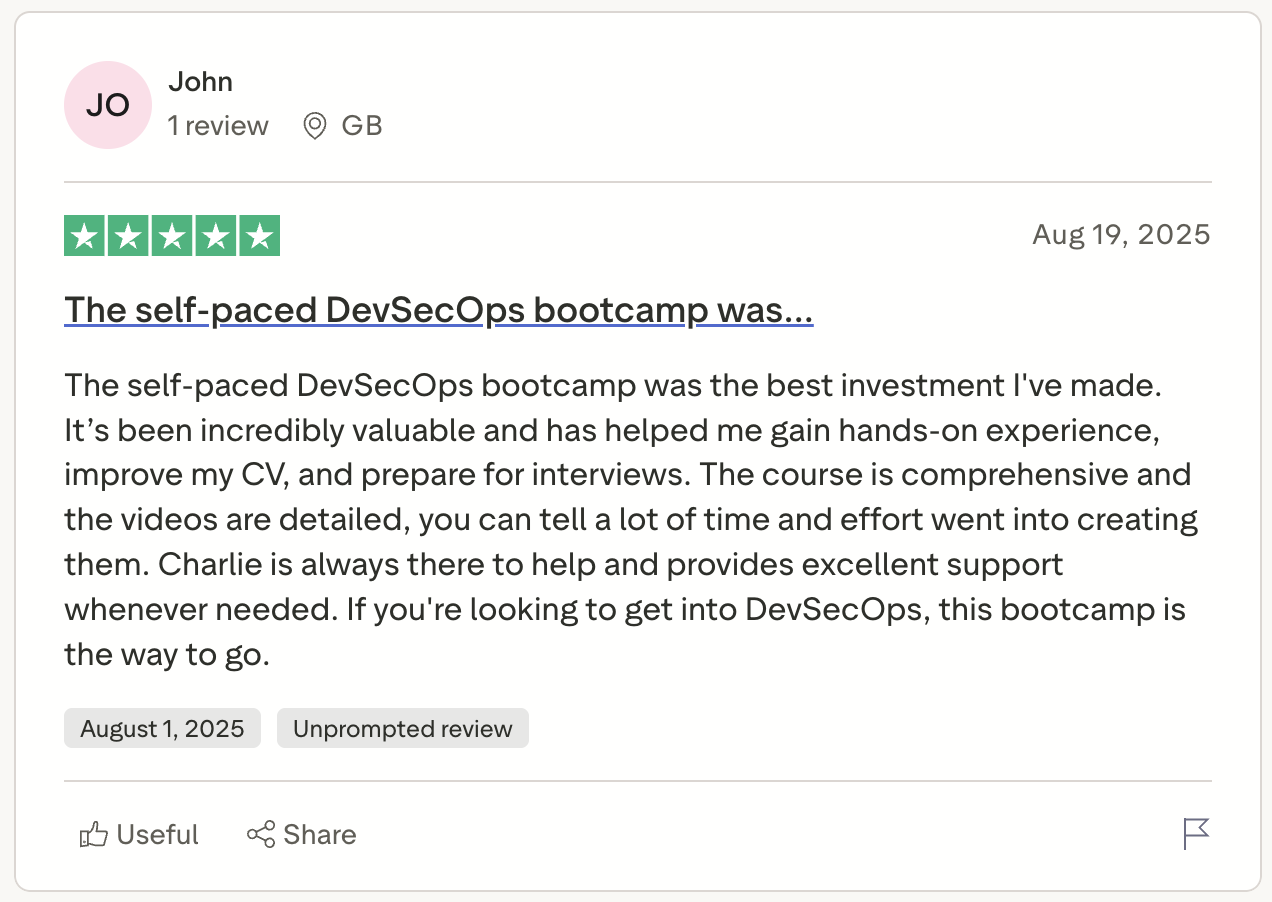
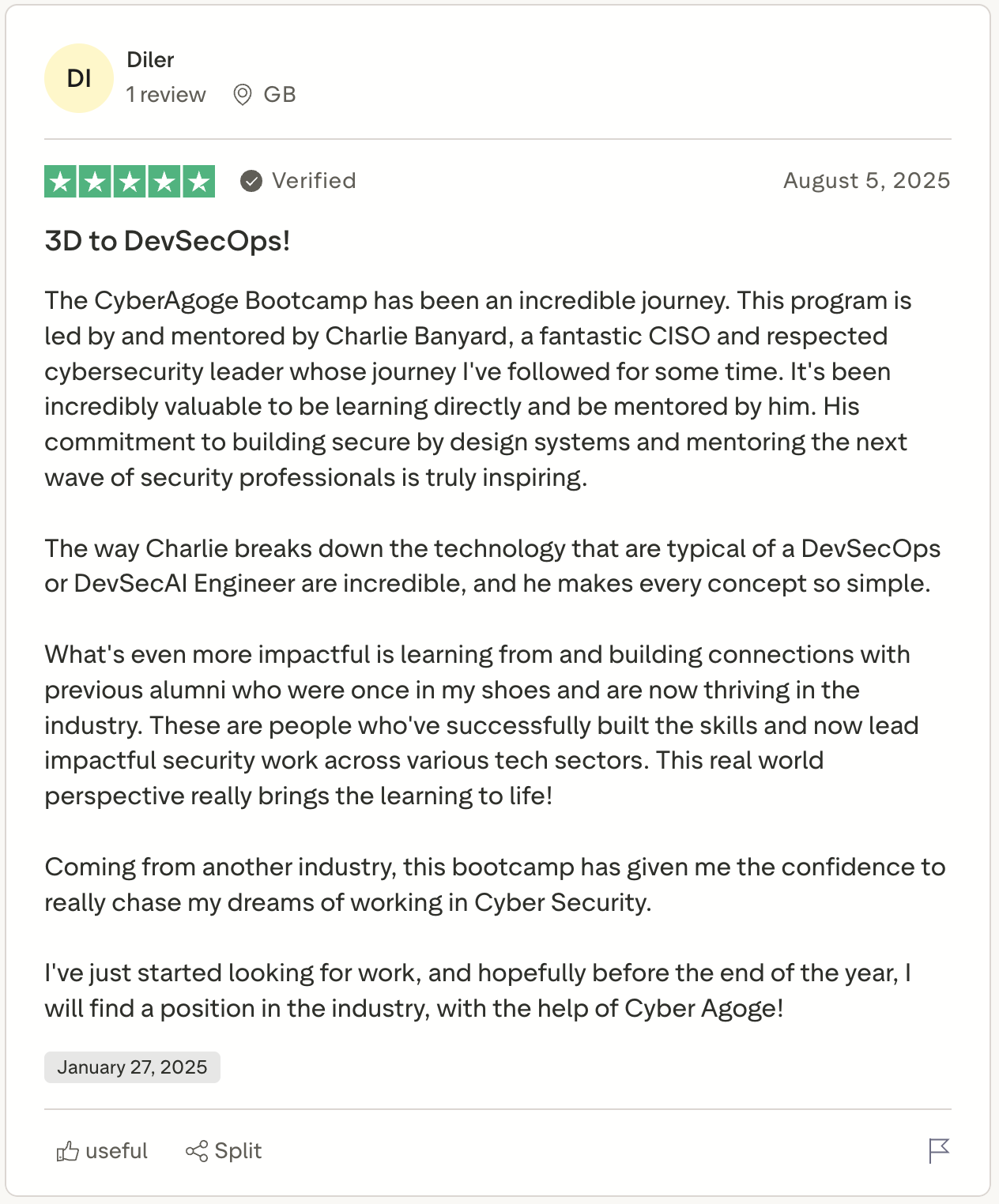
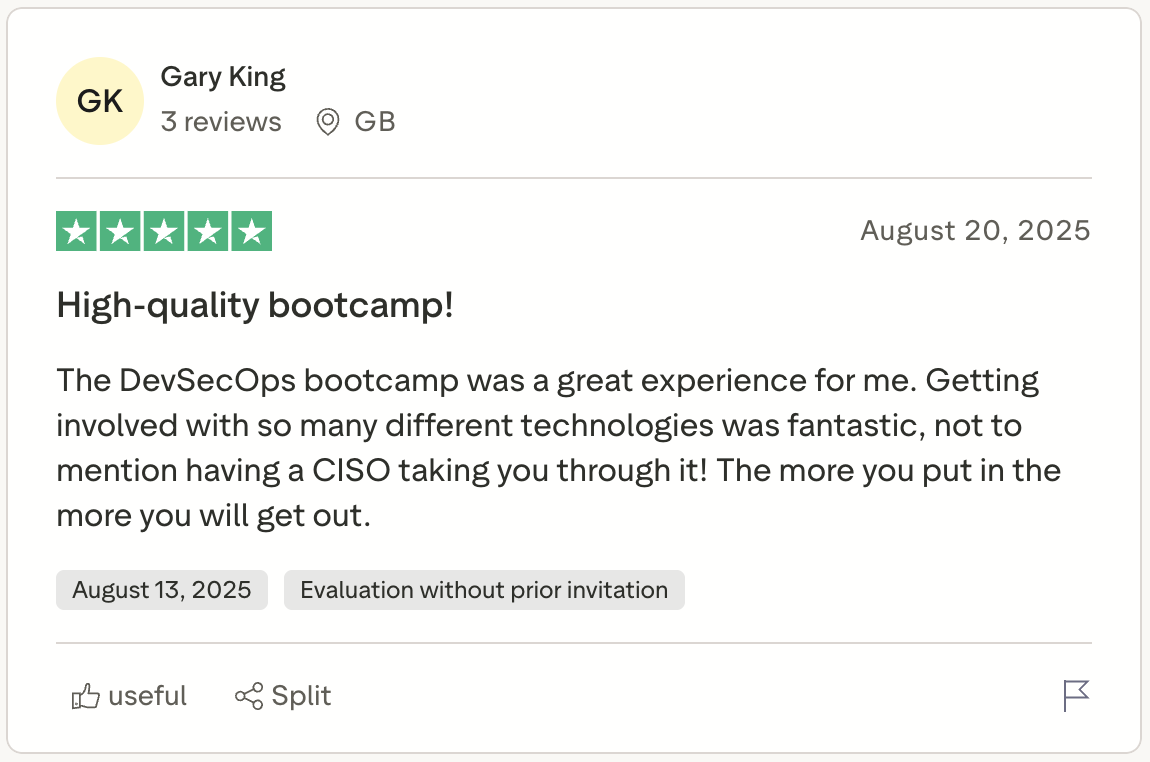
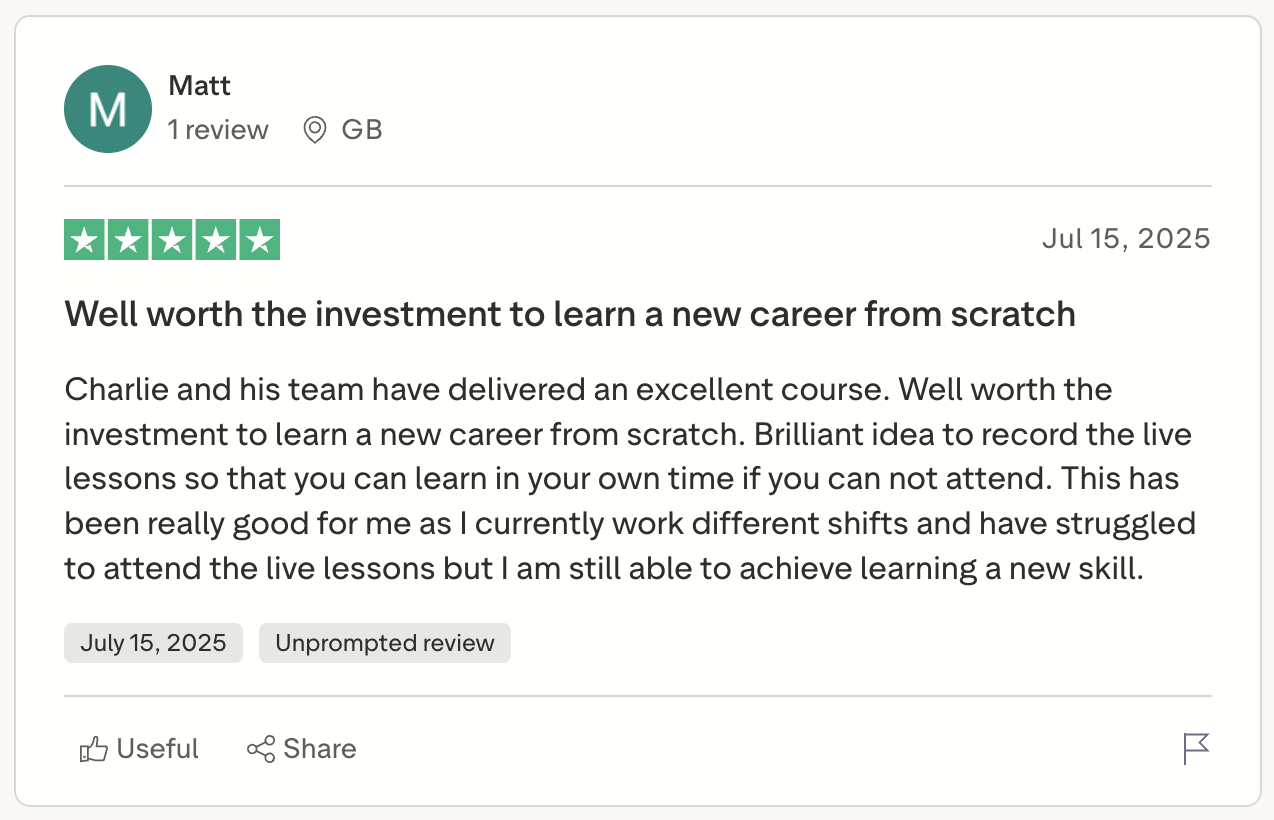
Previous students describe building confidence, finding direction and moving into security roles. Read their accounts and see the messages behind them.

Read student reviews on Trustpilot ↗ · See the original student messages and classroom screenshots ↓

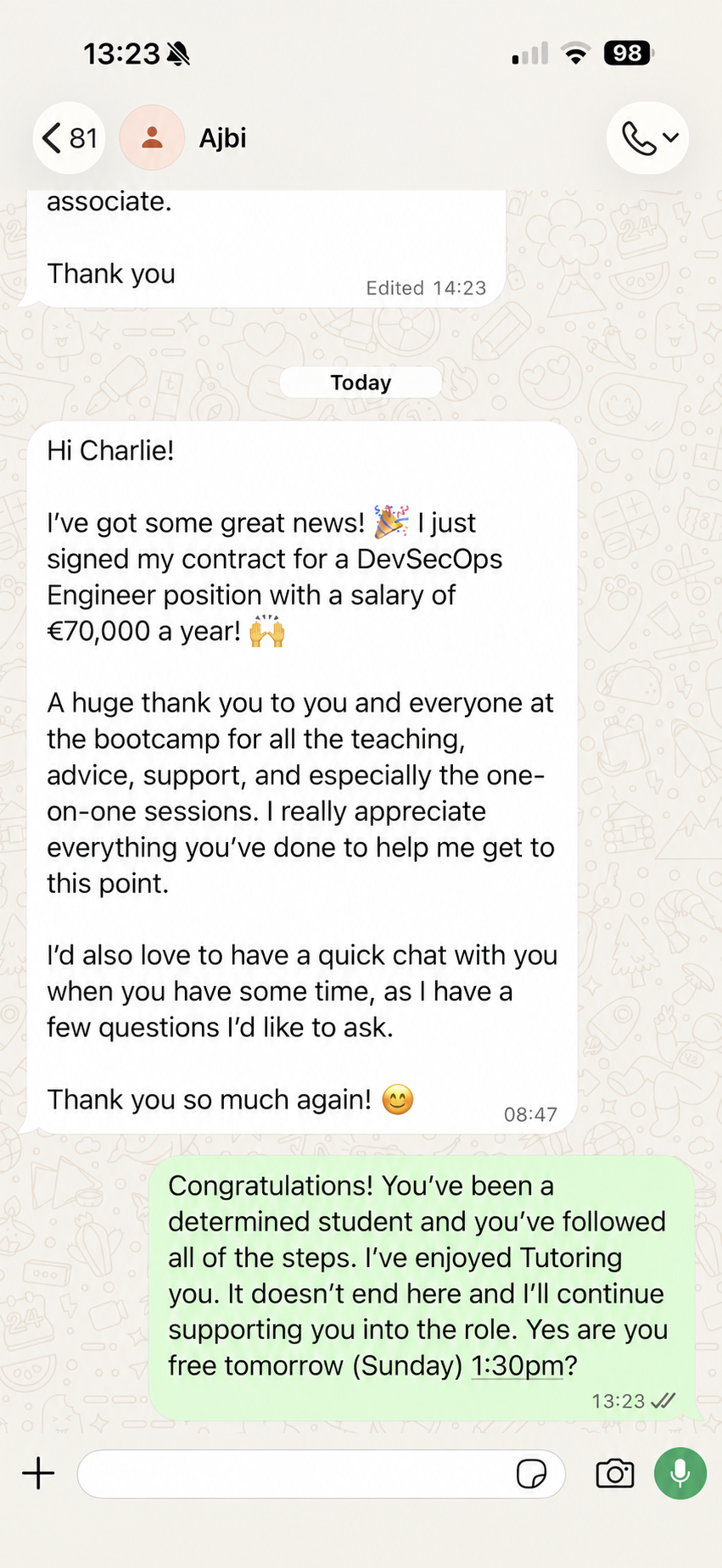
AJBI · FORMER BOOTCAMP STUDENT

A new DevSecOps role.

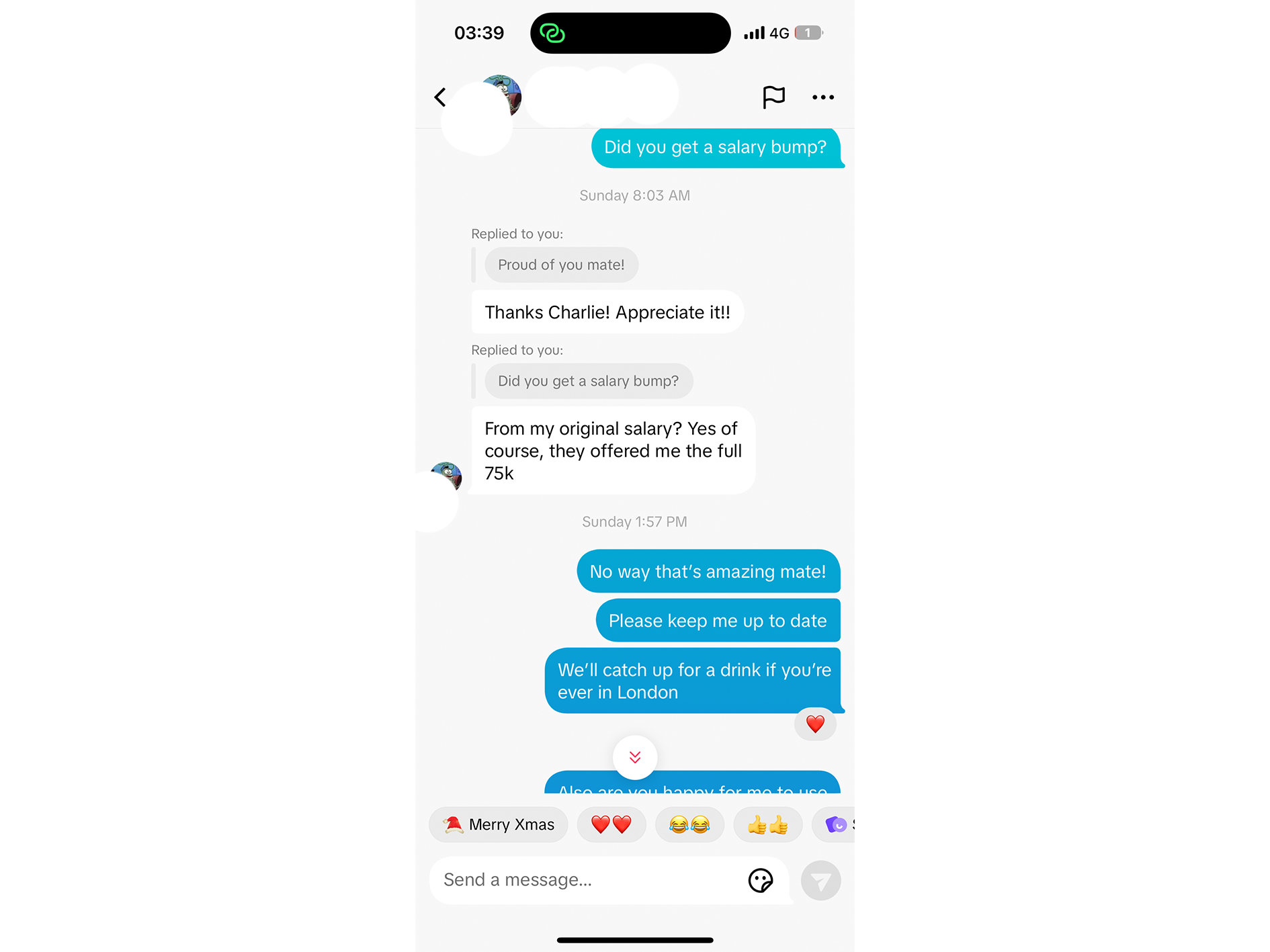
€70,000 a year · DevSecOps Engineer

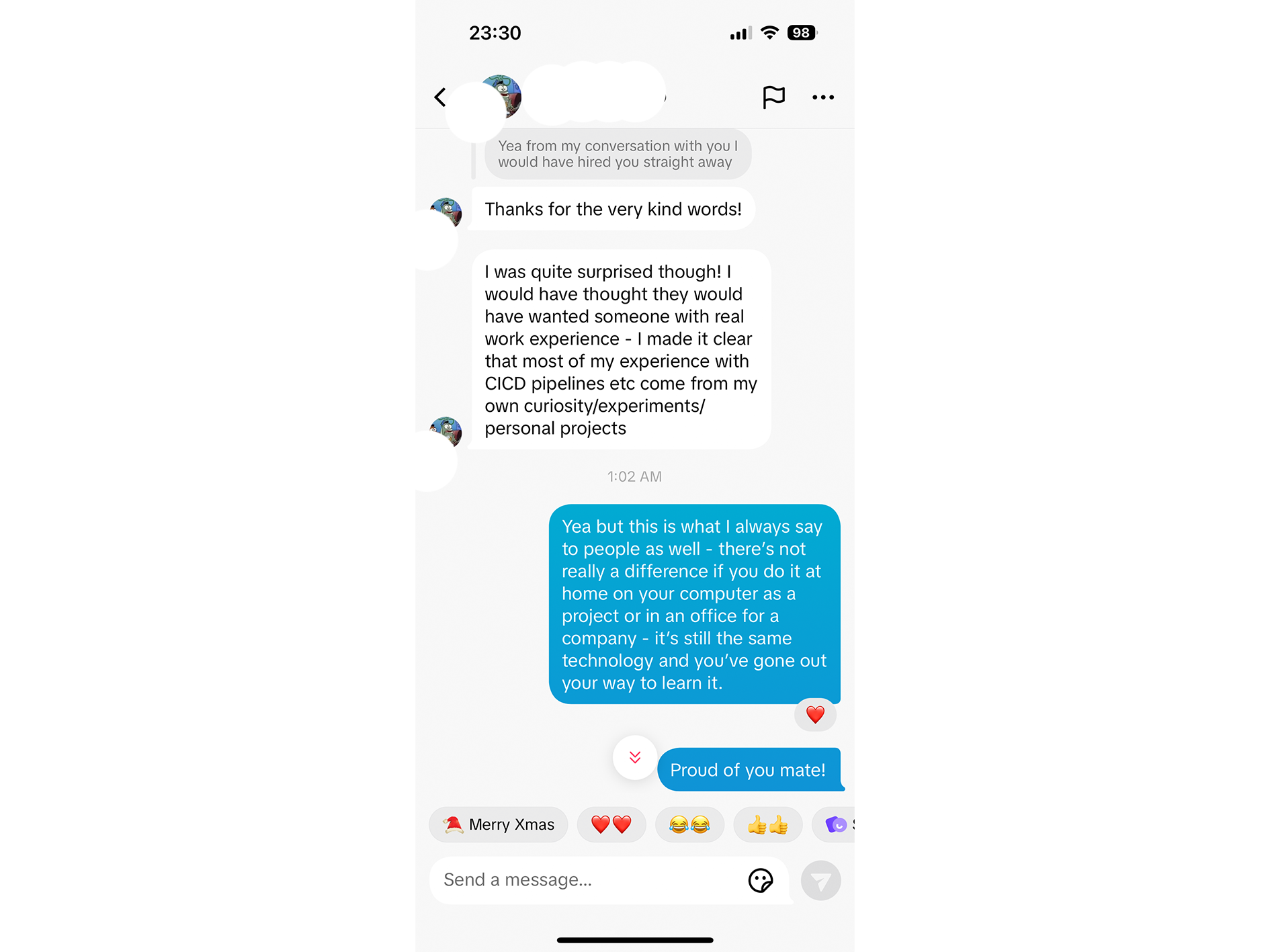
“I just signed my contract for a DevSecOps Engineer position with a salary of €70,000 a year!”

“I really appreciate everything you’ve done to help me get to this point.”

Ajbi shared this update with Charlie after signing his DevSecOps Engineer contract.

Explore the 2 November bootcamp →
Ajbi’s WhatsApp message celebrating his new €70,000-a-year DevSecOps Engineer roleRead Ajbi’s message ↗

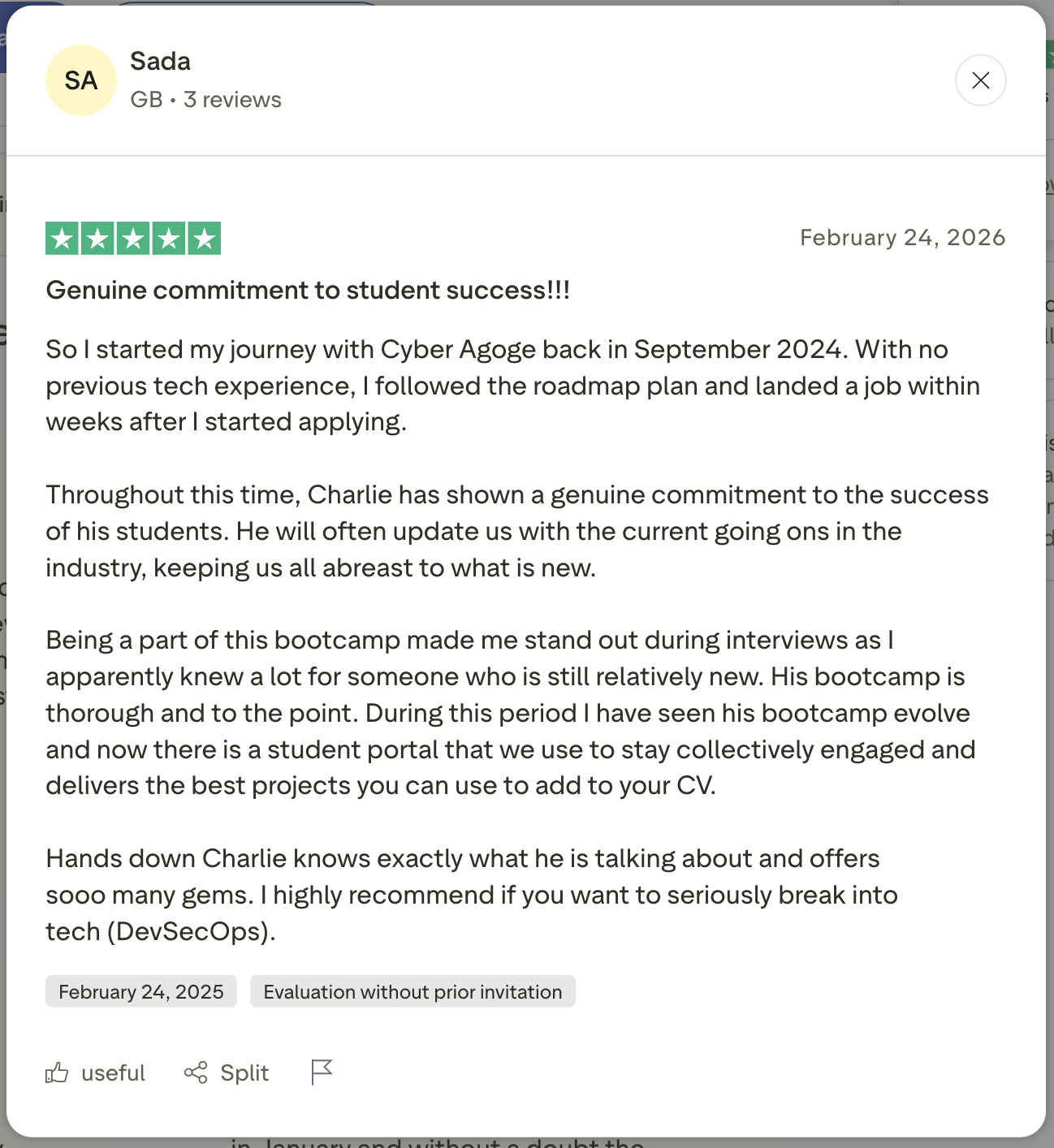
Sada

Starting with no tech experience

Starting point
Started without previous tech experience.
The experience
Followed the roadmap and described standing out in interviews.
Their outcome
Reported landing a job within weeks of starting to apply.
Sada's original review screenshotRead the original review ↗

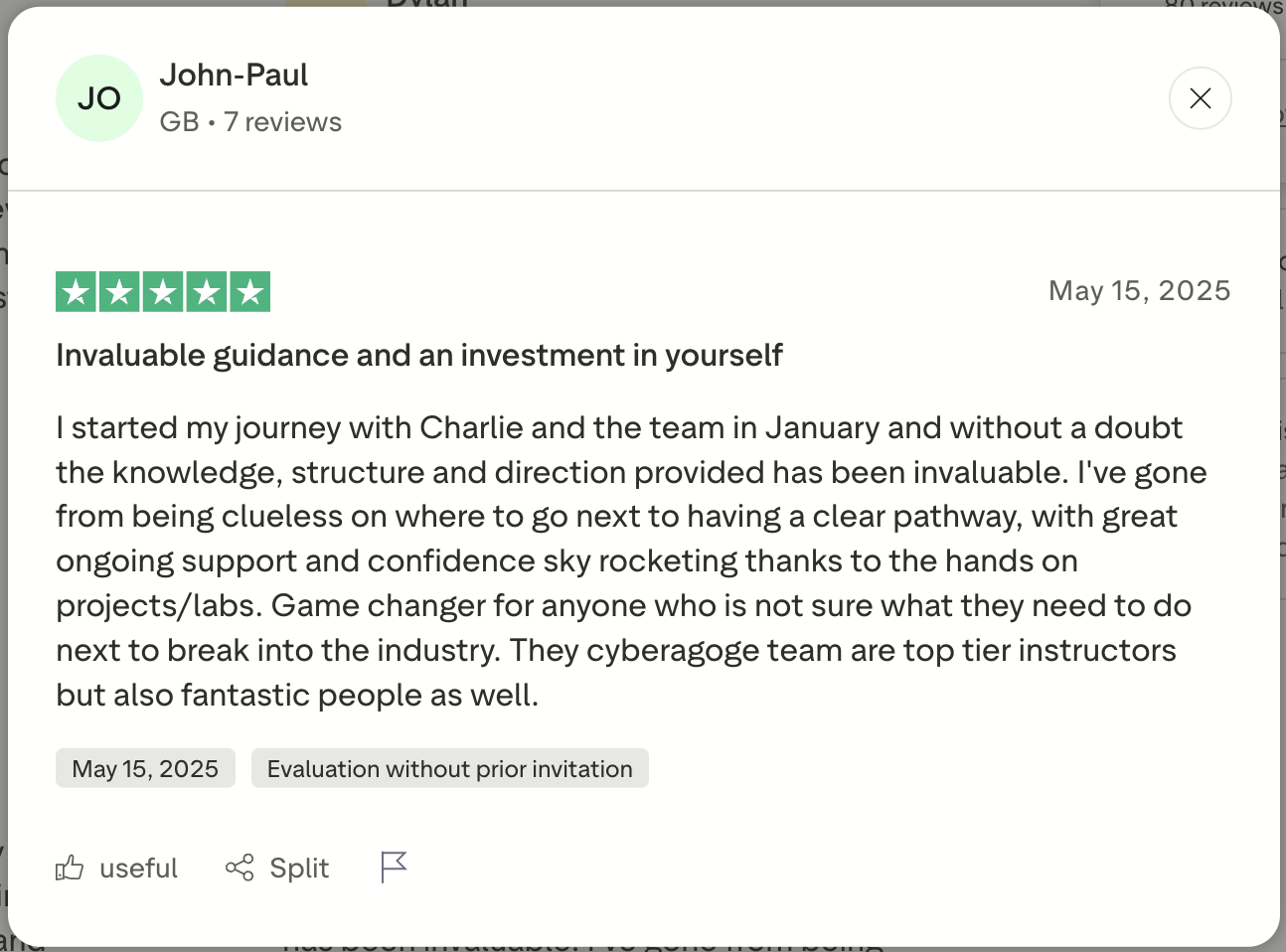
John-Paul

Finding a clear direction

Starting point
Unsure where to go next.
The experience
Worked through hands-on projects and labs with ongoing support.
Their outcome
Described a clearer pathway and growing confidence.
John-Paul's original review screenshotRead the original review ↗

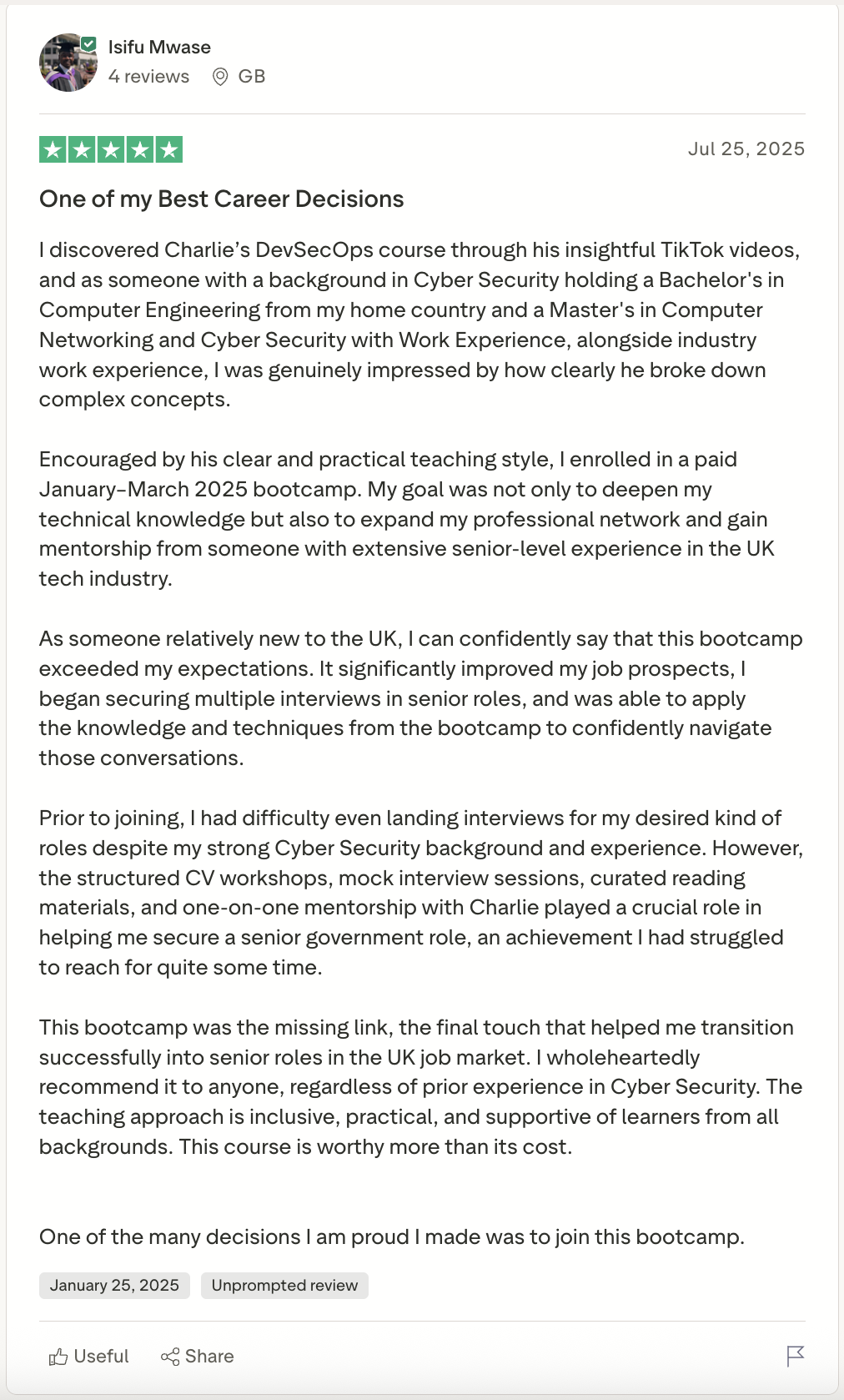
Isifu Mwase

Building on security experience

Starting point
Had a security background but struggled to secure the interviews he wanted.
The experience
Applied the learning and interview preparation from a previous bootcamp.
Their outcome
Reported securing a senior role.
Isifu Mwase's original review screenshotRead the original review ↗

Messages and reviews from previous Cyber Agoge students.

START FOR FREE

Curious, but not ready to enrol?

Try seven manageable learning steps, a first-project worksheet and a plain-English guide to the tools. Work at your own pace. No payment or cloud account needed.

Get my free starter pack ↓
  1. Your plan
    Know what to learn next.
  2. Your first project
    Turn a security risk into a defence.
  3. Your tool guide
    Understand what each tool helps you do.

OPEN THE WORK / NO EMAIL REQUIRED

What does a portfolio project actually look like?

Explore a small example: find a risky release, add a security check, and explain the evidence. See the reasoning as well as the result.

Illustrative teaching example. Not a student submission or an exam answer.

Open the sample project ↗
01 / NOTICE
A release without a check
02 / DEFEND
Add a release gate
03 / EXPLAIN
Keep the evidence

THE WORK BEHIND THE CONFIDENCE

From learning security
to doing the work.

01

Build it.

Deploy a training bank to the cloud and build a pipeline that checks what you ship.

02

Break it. Defend it.

Find weaknesses in applications and AI systems. Apply controls and test your fixes.

03

Prove it.

Save your learning evidence, build a separate portfolio project and demonstrate your understanding in the CDAISP assessment.

CYBER AGOGE / CYBER CHARLIE

Learn from
an active CISO.

Charlie Banyard · Cyber Charlie · Lead instructor

Charlie is a Chief Information Security Officer with more than ten years in security. He brings that practical experience into the classroom.

Each remote session combines teaching, guided practical work in the portal and a live recap. New to tech and Tech experience guidance support different starting points at the same standard.

Build through the six weeks, with weekly homework and evidence tracked in the portal. The AI tutor helps with curriculum questions and screenshots; the Agoge team sees stuck questions and responses. Continue with remote project office hours after the bootcamp.

See what you’ll learn →
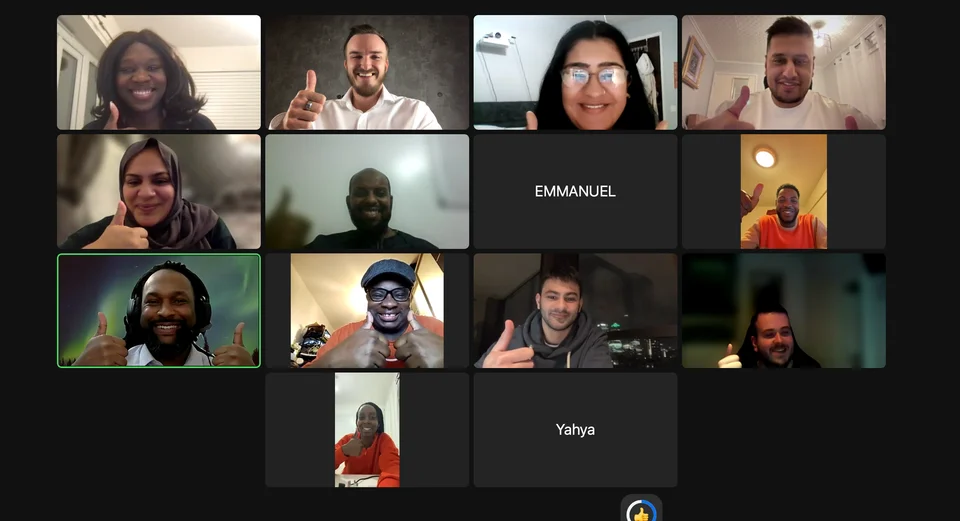
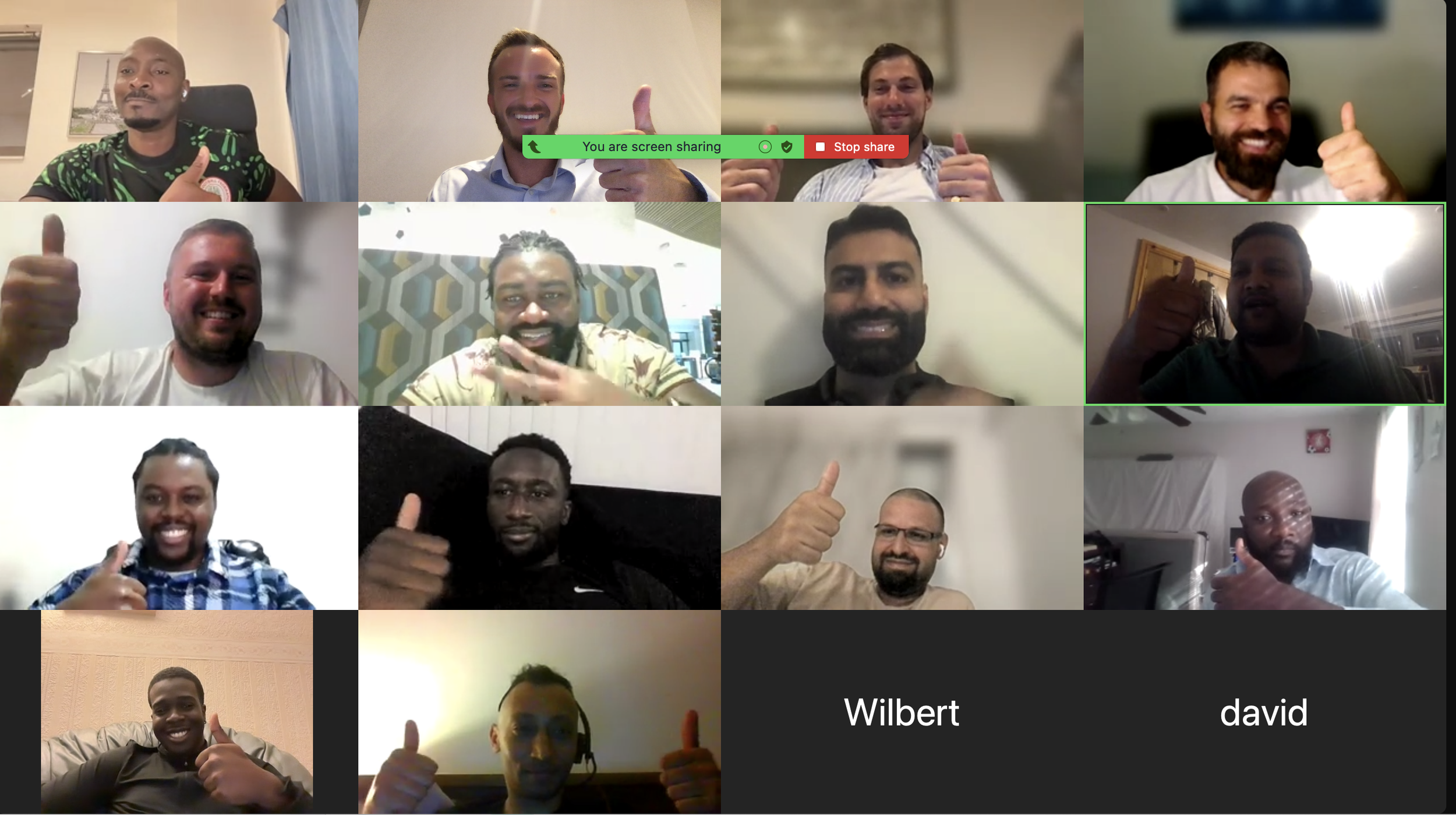
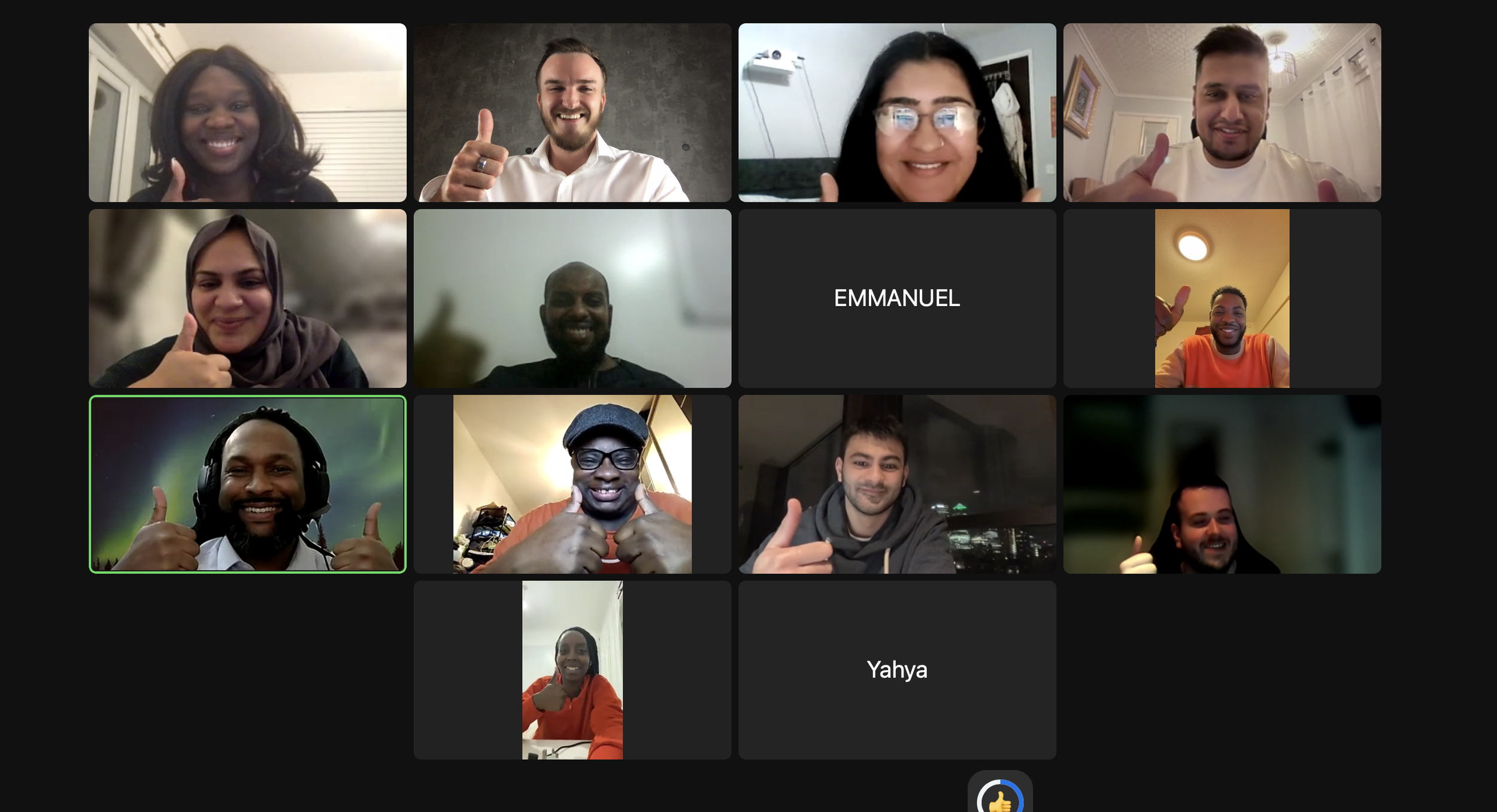
Students and instructors in a previous Cyber Agoge live session

A TASTE OF WHAT YOU’LL LEARN

Learn to protect a company.
One small step at a time.

Try four everyday security decisions in our practice company. We’ll guide you through what helps and why. No experience needed to explore.

Explore your route into the programme

YOUR ROUTE IN

Different starting points.
The same standard.

Choose your starting point and explore the work ahead.

Explore your complete roadmap ↗
Explore the six connected skill areas

YOUR SKILLS / CONNECTED

The person behind
the protection.

Explore the six skill areas you’ll bring together—and the applications, cloud infrastructure, pipelines and AI systems they help you protect.

Tap a skill to see what it helps you do.

See how you build these skills →
Your six-week transformation

Six weeks. One company. Connected skills.

See what your work changes
Explore the complete 3D experience ↗

Week 1 — Foundations — Build Your Foundation

YOU BUILDWritten company-security analysis and your mock app’s high-level design and data-flow diagram
Explore this week’s tasks and tools

Research companies and apply confidentiality, integrity and availability. Build a small mock application and describe its high-level design and data flows. Technical setup is a separate optional resource. Hands on: Company research, a small mock app and system diagrams You build: Written company-security analysis, plus your mock app’s high-level design and data-flow diagram

The assessment and credential ↗

After Week 6 — Portfolio and assessment

Start a separate, larger company project with remote office-hours support, and customise the application to your interests. FinTrust remains your six-week learning project.

A 48-hour practical assessment on an assigned company repository: clone it, secure it and submit your changes and evidence, together with a short webcam-recorded explanation of your decisions. AI tools are allowed, but you must explain and demonstrate your own understanding. Two attempts are included. CDAISP is awarded only after passing the assessment and human confirmation. Final assessment rules and dates are provided in the portal before an attempt can start.

MORE THAN SIX WEEKS OF LESSONS

The support to keep going.

01 / INCLUDED

Learn live

Twelve remote Zoom sessions, with live teaching, guided practical work and a recap. Session dates, links and recordings are in the portal.

02 / INCLUDED

Make work you can show

Develop FinTrust throughout the bootcamp. Submit weekly homework and evidence, then build a separate, larger portfolio project afterwards.

03 / INCLUDED

Earn it. Keep building.

Two CDAISP exam attempts and six months of remote office-hours support. Certification requires a passed assessment and human confirmation.

CDAISP — Certified DevSecOps & AI Security Practitioner
CDAISP / PRACTICAL CERTIFICATION

The credential

CDAISP — Certified DevSecOps & AI Security Practitioner. One assessed standard across cyber security, DevSecOps, cloud and AI security. Completing the bootcamp or paying for it does not award the credential. You must pass the separate practical assessment and recorded explanation, with a human confirming the certification decision.

Two exam attempts are included. Assessment arrangements and your eligibility are managed through the student portal.

How CDAISP is assessed →
Explore the full programme details and evidence

How it works

Begin by researching real companies and applying confidentiality, integrity and availability. In Week 1, understand how applications work, build a small mock app and describe its architecture and data flows. Technical setup is an optional resource. From Week 2, develop and secure the same company as the curriculum moves through containers, cloud, application security, pipelines and AI.

Six weeks, fully remote on Zoom. Two sessions each week, 7:45–9:45pm UK time. Your confirmed session dates, Zoom links and any changes are shown in the student portal. Each session combines live teaching, guided practical work through the portal and a live recap. During practical work, use the AI tutor for explanations and troubleshooting, including screenshots. Stuck questions and responses are visible to the Agoge team; human support is not continuously available.

Weekly homework turns your work into evidence. Save submissions, follow feedback and track your next step in the portal.

The machines are here. Who's securing them?

AI adds new data flows, permissions and failure modes to the systems teams already run. Security work needs to connect the application, the cloud, the delivery pipeline and the AI feature. This bootcamp gives you a training company on which to practise those connections and explain the evidence behind your decisions.

Not another bootcamp

Learn by doing. Live explanations lead into supported practical tasks, followed by a recap. New to tech and Tech experience guidance let students approach the same learning outcomes at an appropriate depth.

One company through the bootcamp. FinTrust evolves across all six weeks. You investigate weaknesses in the authorised training environment, implement controls and record what your fixes prove.

A separate portfolio afterwards. The post-bootcamp programme starts a larger, different company project that you can customise. Remote project support and office hours help you turn the work into a portfolio.

One place to keep moving. The portal holds your sessions, homework, evidence, feedback and questions. AI support helps with the curriculum; the Agoge team sees escalated blockers and responses.

Who it's for

New to tech. Start with the self-paced on-ramp, readiness guidance and setup support. Build confidence in the terminal, Git, basic Python and how web applications communicate.

Already working in tech or cyber. Build on your experience with deeper technical tasks, while following the same company, curriculum and assessed standard.

Both paths join the same six-week bootcamp. A support level is a starting point, not a different assessment standard.

What's included

Twelve remote Zoom sessions, guided practical work, weekly homework and evidence tracking in the student portal, recordings and session resources, two CDAISP exam attempts, and six months of post-bootcamp office-hours support.

FinTrust is the bootcamp company. The larger portfolio project after the bootcamp is separate and can be customised. Certification is earned through assessment; attendance does not guarantee it.

FIND THE RIGHT TRAINING

Choose the route that fits your next step.

Already working in cloud, platform or security? Explore training for working professionals. Bringing AI into your workflow? See the AI application and agent security syllabus.

Need your employer to fund a place? Share the schedule, assessment and funding pack with your manager. New to the tools? Start with the beginner route guide.

A FEW THINGS YOU MIGHT BE WONDERING

Good questions.
Clear answers.

Can I start from zero?

Yes. Start with the self-paced on-ramp and setup guidance, then use step-by-step tasks where needed. Both paths join the same six-week bootcamp and meet the same assessed standard.

What if I already work in tech or security?

Choose the experienced route. Build on your existing skills with stretch tasks and the shared work in cloud, pipelines and AI security.

What does £599 include?

Twelve remote Zoom sessions, guided practical work, weekly homework and evidence tracking in the portal, recordings and session resources, two CDAISP exam attempts, and six months of remote office-hours support.

Do I get certified just for attending?

No. You must pass the separate assessment and receive human confirmation. The format is a 48-hour practical on an assigned company repository, submitted evidence and a short webcam-recorded explanation.

When does enrolment close?

Enrolment is open for the 2 November cohort. The cohort starts on 2 November 2026. The closing date will be confirmed; enrol through Squarespace.

When does the cohort start?

The advertised cohort starts 2 November 2026. Your confirmed session dates and assessment arrangements are shown in the portal.

When are the live sessions?

Two remote Zoom sessions each week, 7:45–9:45pm UK time, over six weeks. Check the portal for your confirmed dates, links and any schedule changes.

What if I miss a session?

Recordings and session packs are included, so you can revisit the teaching. The live sessions give you the chance to ask questions and practise with your group.

How much time should I allow?

Allow two scheduled sessions each week, plus time for weekly homework and independent practice. Sessions include guided practical work. Study time depends on your starting point and pace.

Where do I sign in after enrolling?

Use Student login in the navigation to reach the existing Cyber Agoge portal. If you need help with access or joining instructions, email charlie@cyberagoge.com.

Can I pay in instalments?

Payment options are shown by Squarespace and Stan at checkout. Review the available plans and provider terms before purchasing.

THE NOVEMBER COHORT

Your next chapter.
Built by you.

Six weeks remote. A company you build and defend. One assessed standard.

£599 two exam attempts included

Starts 2 November 2026 · fully remote

Enrolment is open for the 2 November cohort.

Pay in full or see the available payment options at checkout.

Secure my seat ↗Questions before you enrol? Get in touch →

Know what you’re joining.

Tekyu’s free roadmaps and projects help you explore and practise. The paid bootcamp adds scheduled live teaching, guided practical work, homework feedback and two CDAISP assessment attempts.

Your schedule

Six weeks, fully remote on Zoom. Two sessions each week, 7:45–9:45pm UK time: four scheduled live hours a week. Confirmed dates, Zoom links and schedule changes are shown in your student portal.

Your practical work

Live teaching, guided practical work and a recap. Weekly homework, evidence, feedback and support questions stay together in the portal. Allow additional time for homework and practice.

Your assessment

£599 includes two CDAISP exam attempts. Submit practical work and a short webcam-recorded explanation. You must pass the assessment and receive human confirmation to earn CDAISP.

Your payment

£599 upfront. The Stan instalment option is 3 payments of £233, totalling £699 (£100 more than the upfront price).

Squarespace shows the payment options available to you. Provider eligibility and terms apply. Enter any discount code at checkout and check the final total before paying. Compare payment options →

Need employer funding? Use the manager pack.

Student login and joining help

Already enrolled?

Open the student portal →. Use your existing student account to sign in. Former students should check their existing access with the Agoge team before paying again.

Need help getting started?

If you cannot access the portal or need joining instructions, email charlie@cyberagoge.com with the email address used at checkout and your order reference. Do not send payment-card details or passwords.

The programme and post-bootcamp office hours are remote. No travel is required.

Starts 2 November 2026 · £599Secure my seat ↗